
Product Summary
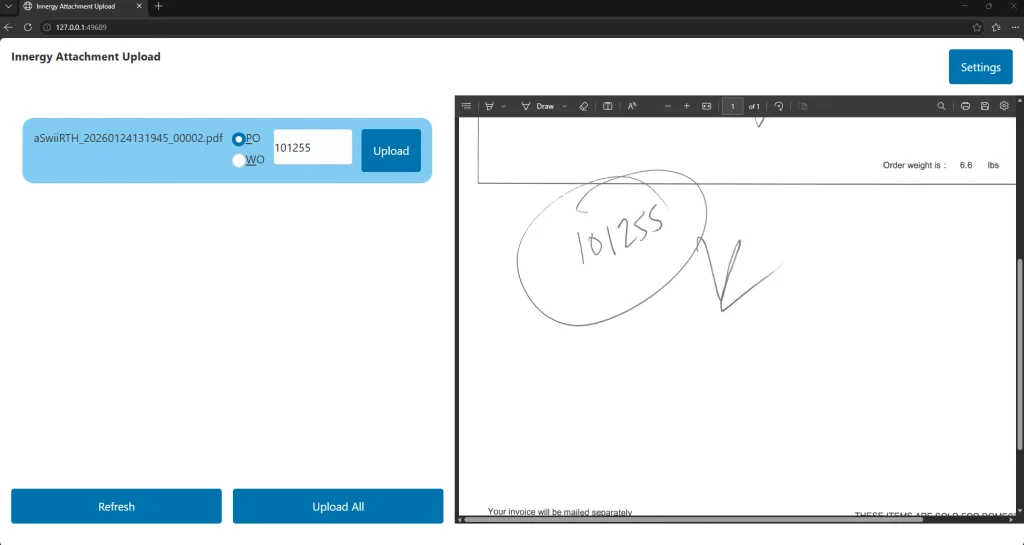
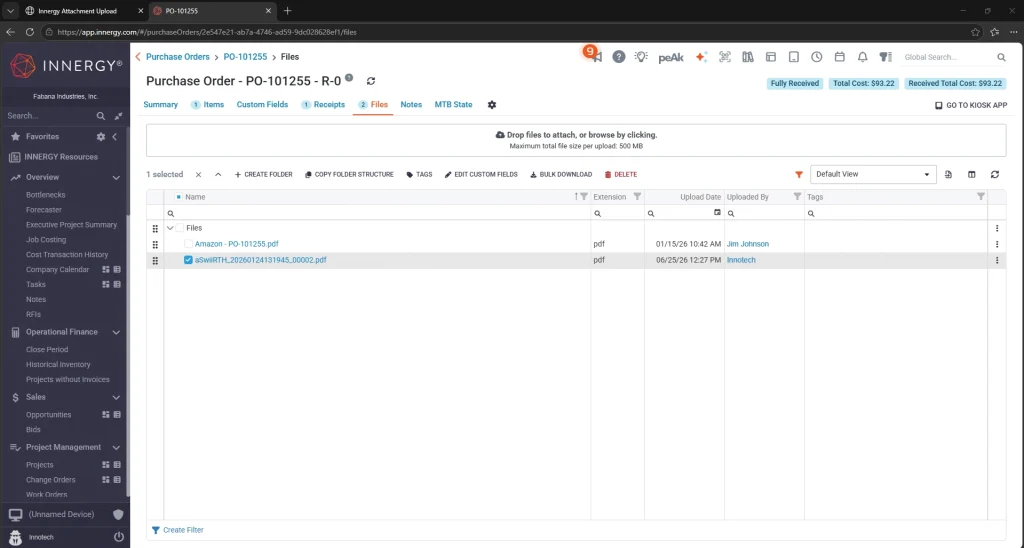
- Streamline the upload of scanned PO and WO documents into Innergy
Product Description
- Scan: Batch scan supporting documents using your existing office scanner. Scanned PDFs are saved to a designated network folder.
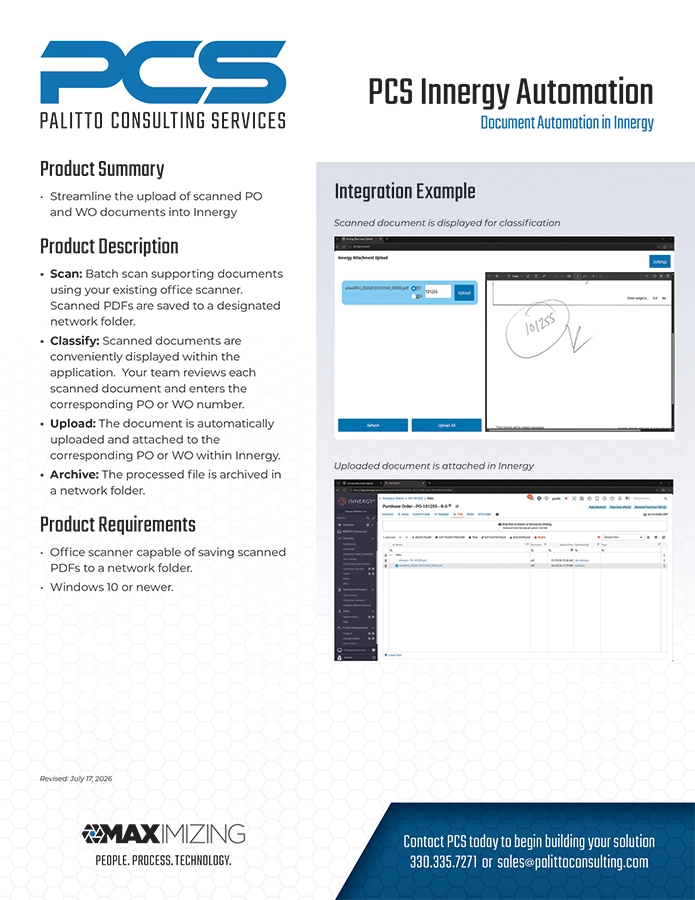
- Classify: Scanned documents are conveniently displayed within the application. Your team reviews each scanned document and enters the corresponding PO or WO number.
- Upload: The document is automatically uploaded and attached to the corresponding PO or WO within Innergy.
- Archive: The processed file is archived in a network folder.
Product Requirements
- Office scanner capable of saving scanned PDFs to a network folder.
- Windows 10 or newer.
Integration Example