If you’ve logged into Microsoft, Google, Apple, or certain banking and business apps lately, you may have noticed a new sign-in option called a passkey. Passkeys are being positioned as an alternative to passwords, and they’re showing up more often because they have the potential to reduce account takeovers and phishing attacks.
From an IT service provider’s perspective, passkeys are promising, but small businesses should adopt them in a controlled, documented way.
What Is a Passkey?
A passkey is a unique, encrypted login key that your device stores for a specific website or app.
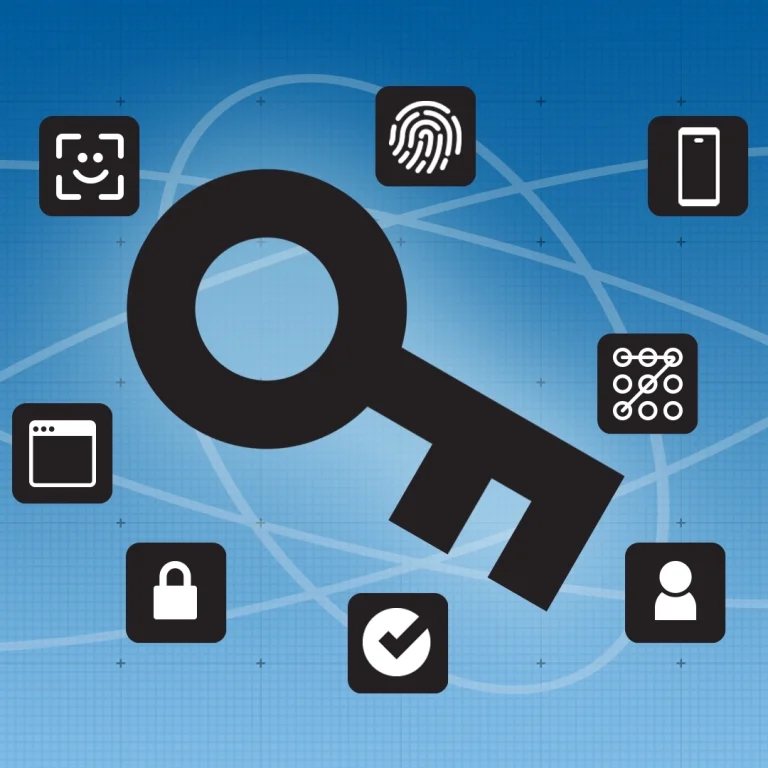
Instead of typing a password, you sign in by confirming it’s you using:
- Face ID / Windows Hello
- Fingerprint
- A device PIN
- A physical security key (in some cases)
Your device then completes the sign-in automatically.
The key difference: the “secret” never leaves your device, and it can’t be typed into a fake site.
Passkeys: Pros and Cons for Small Businesses
Benefits
- Much harder to steal or trick users into sharing
Passkeys are resistant to phishing because they don’t work on fake login pages. - Reduces reliance on SMS login codes
Text-message codes can be intercepted (SIM swapping, mobile account compromise). Passkeys help eliminate that risk. - Less password fatigue
No password to remember, reuse, type, fewer lockouts, and fewer “reset my password” incidents.
Challenges
- Multi-device and multi-browser friction
If a passkey is created on one device, users may struggle when switching devices, browsers, or working remotely unless it’s set up properly. - Not every vendor implements passkeys cleanly
Some systems create confusing user experiences or don’t provide strong admin visibility, recovery options, or device management.
Our Recommendation as Your IT Provider
Passkeys offer promising benefits, but for business accounts, they should be rolled out with proper planning.
1) Use passkeys only with a business-grade password manager
If your company has a secure, business-grade password manager that can store and document both passwords and passkeys, adoption becomes far safer and easier to support over time. That documentation matters when staff change, devices are replaced, or an account needs to be recovered later. This helps with:
- staff changes
- device loss/replacement
- shared responsibility across IT/admin teams
- auditing and documentation
2) Keep the password on file
Even after a passkey is enabled, we recommend keeping the original password securely stored in your business password manager. In some cases, that password may be the only practical way to regain access later if a device is lost, replaced, wiped, tied to a former employee, or if the vendor’s passkey recovery process is limited. In other words, the password may not be needed today, but it could be critical months or years from now.”
3) Ensure multiple MFA-protected admin accounts
For any system where passkeys are created (Microsoft 365, Google Workspace, banking portals, etc.), maintain at least two separate admin accounts, each protected by strong MFA. This helps prevent “locked out of the tenant” scenarios if:
- the only admin leaves the company
- a device is lost
- a passkey gets tied to a single person’s phone without backup
Bottom Line
Passkeys can significantly improve security and reduce phishing risk, but small businesses should not assume they eliminate the need for documentation, backup access, and recovery planning. Before enabling them broadly, make sure the account’s original password, admin ownership, and recovery path are all properly secured.
If you’d like, we can help you evaluate which of your key systems support passkeys today, whether your password manager can manage them properly, and the safest way to roll them out without creating support headaches.